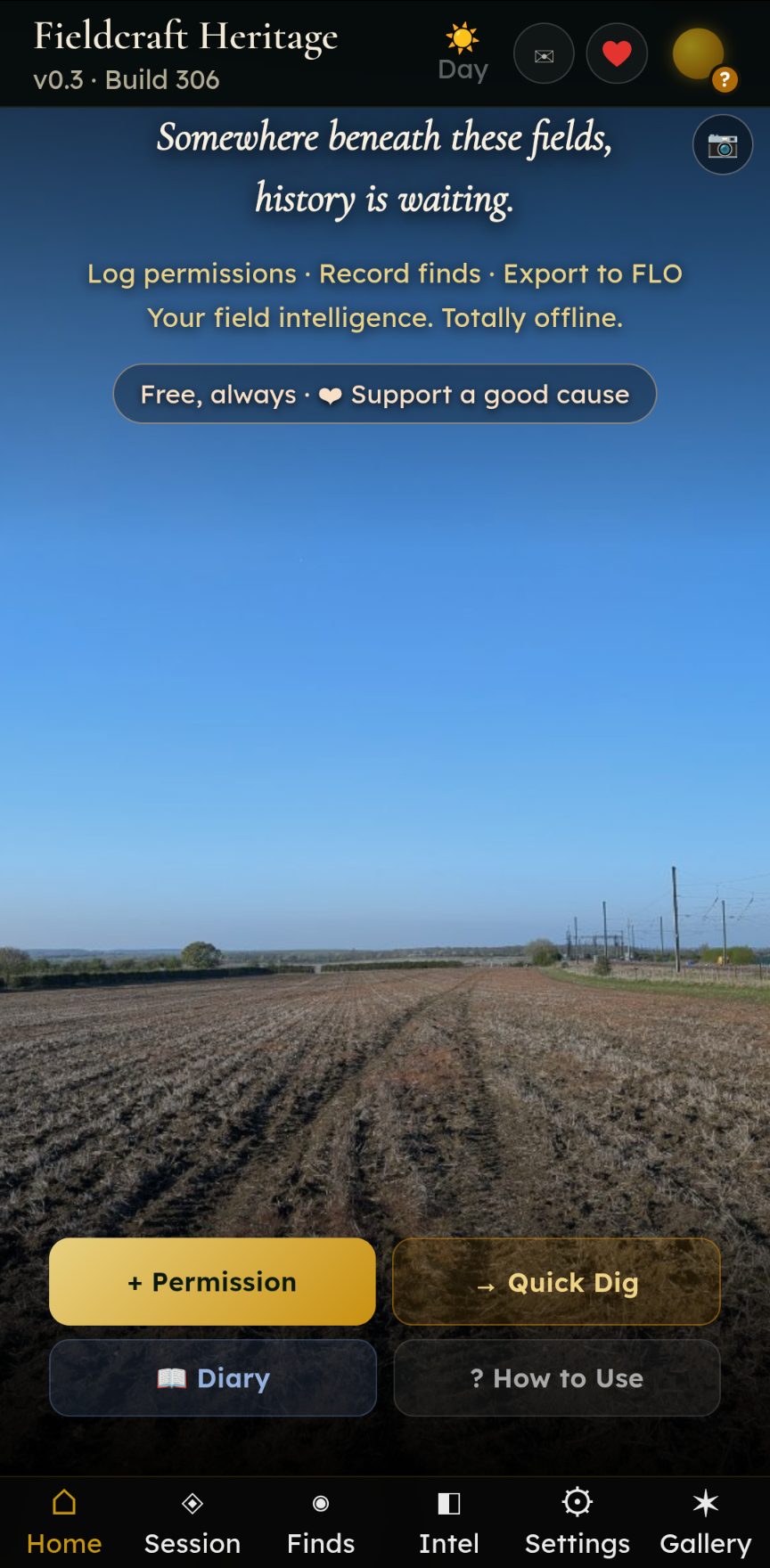
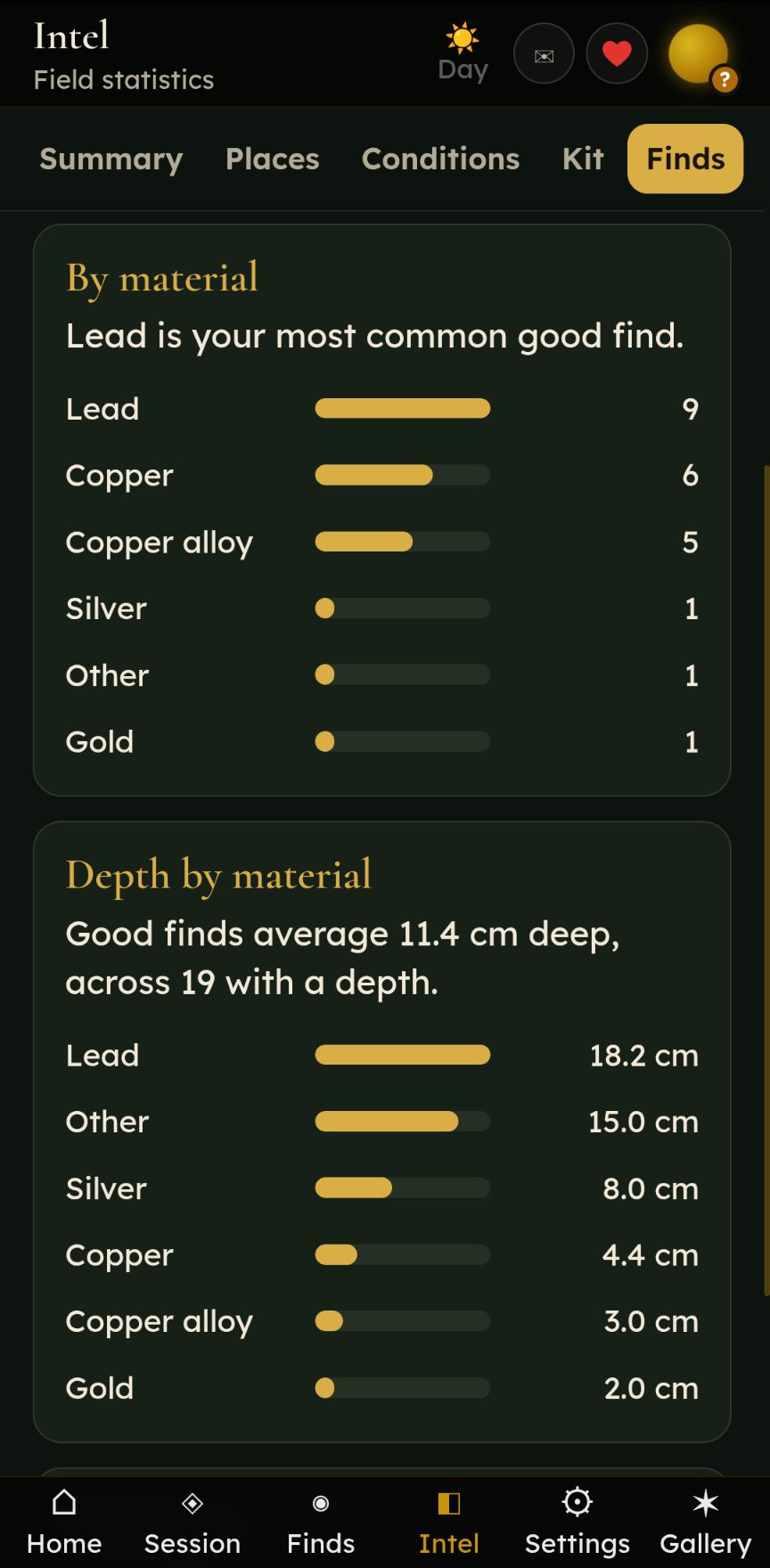
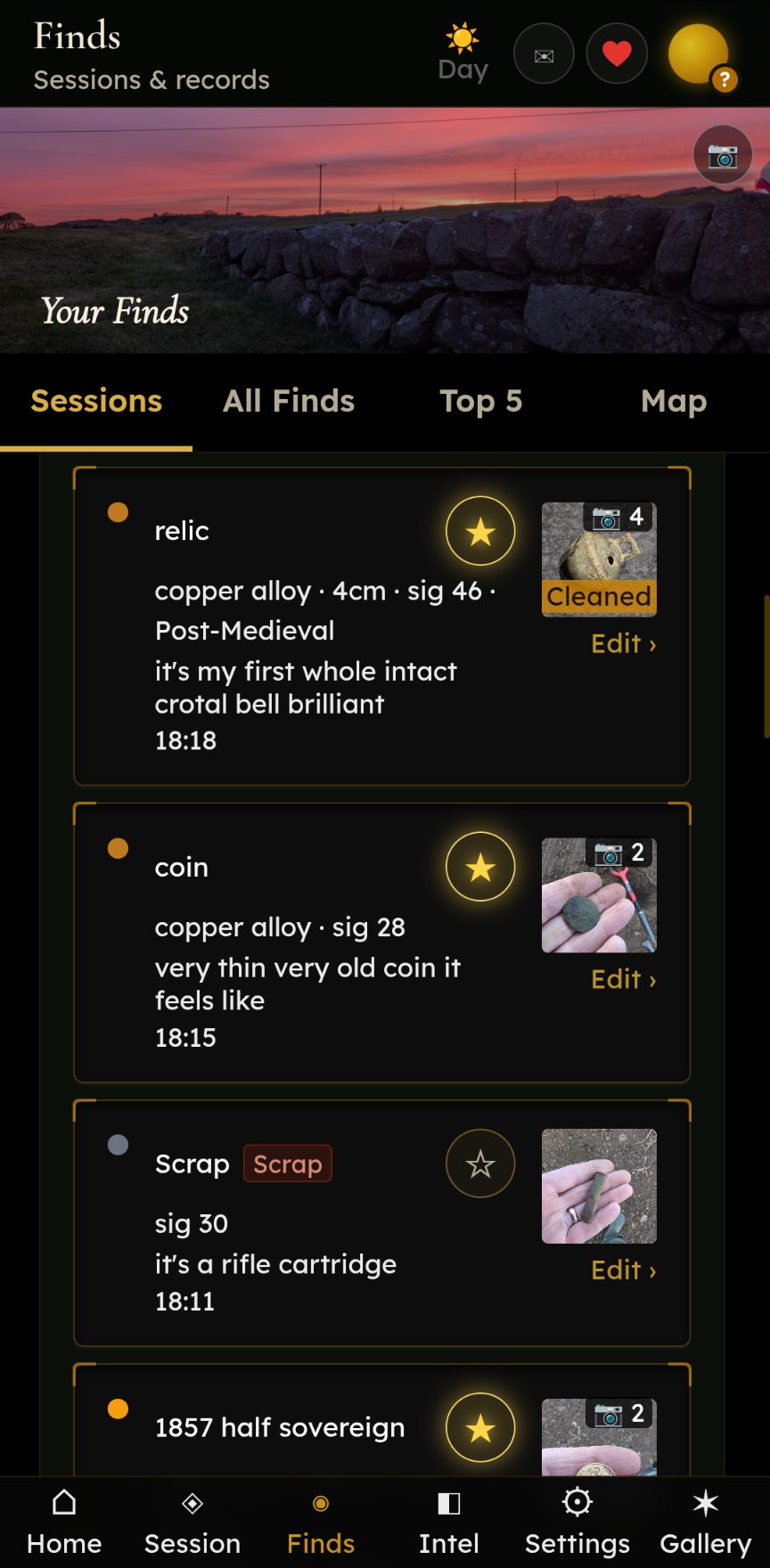
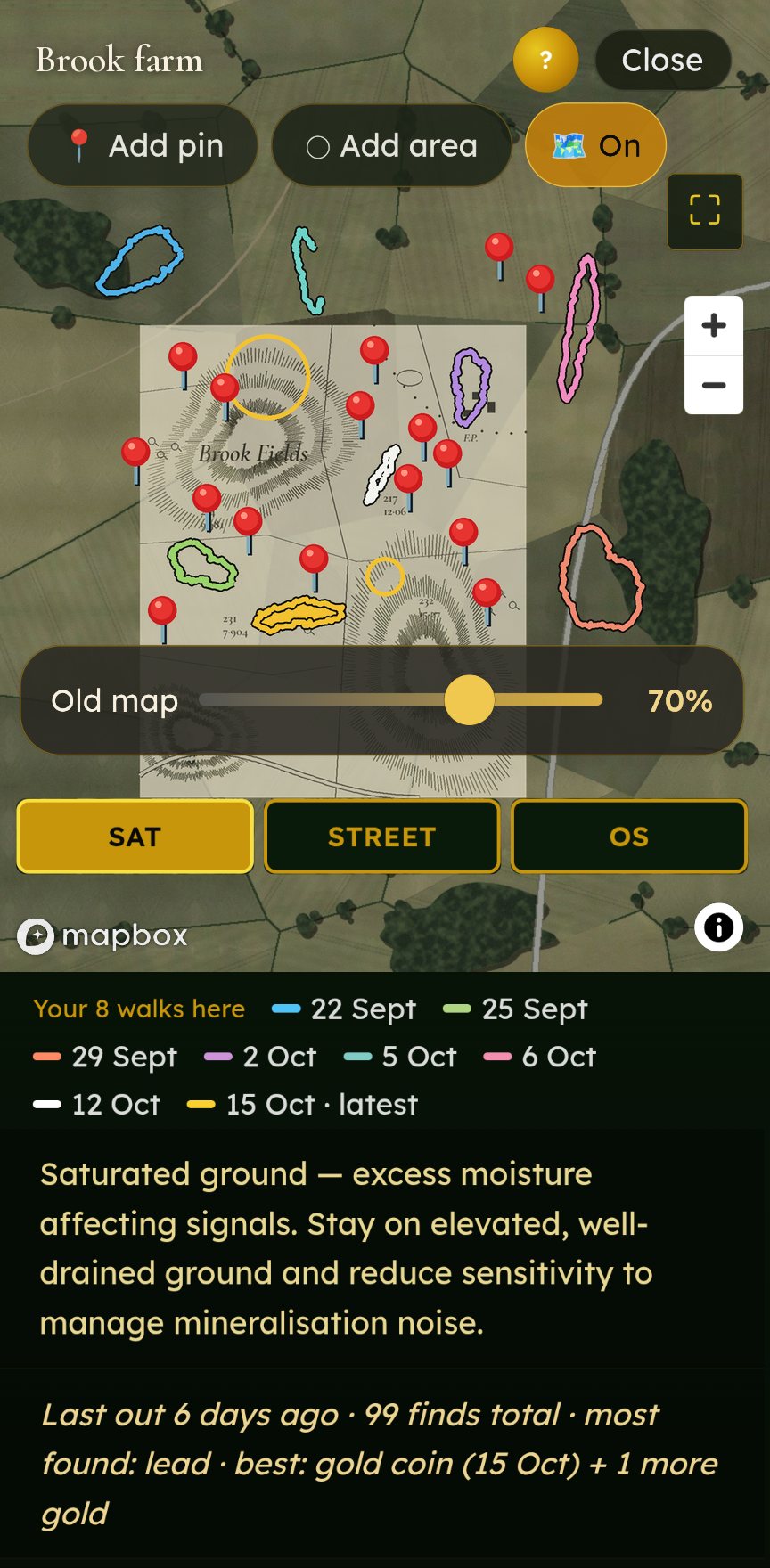
Fieldcraft Heritage — a free field log for metal detectorists. Permissions, finds and maps, all kept on your phone.
Made by a hobbyist, for hobbyists. No ads, no subscriptions, nothing for sale. If it helps you, give to a good cause instead.
Walk the landscape. Record what matters. Give something back.
We enhance with factual, minimal, intelligent commentary.
Fieldcraft Heritage runs in your phone's browser — nothing to download from an app store, no account, no sign-up. Add it to your home screen and it opens like any other app, even with no signal out in the field.
⬡ Open Fieldcraft Heritage →If it helps your detecting, please think about giving to a good cause.
Your permissions, finds and photos are saved on the phone itself. Tap Settings → Back Up My Data now and then so you never lose them.


No money ever comes to us — not a penny. If Fieldcraft helps you enjoy your hobby, please consider giving something to charity. Fieldcraft supports Alzheimer's Research UK. You give through JustGiving, straight to the charity.
Research into the causes, diagnosis and treatment of dementia. Gift Aid can be added on the JustGiving page.
Donate to Alzheimer's Research UK ↗Funding research into heart and circulatory diseases. Gift Aid can be added on the JustGiving page.
Donate to the BHF ↗Research to beat cancer — prevention, diagnosis and treatment. Gift Aid can be added on the JustGiving page.
Donate to Cancer Research UK ↗

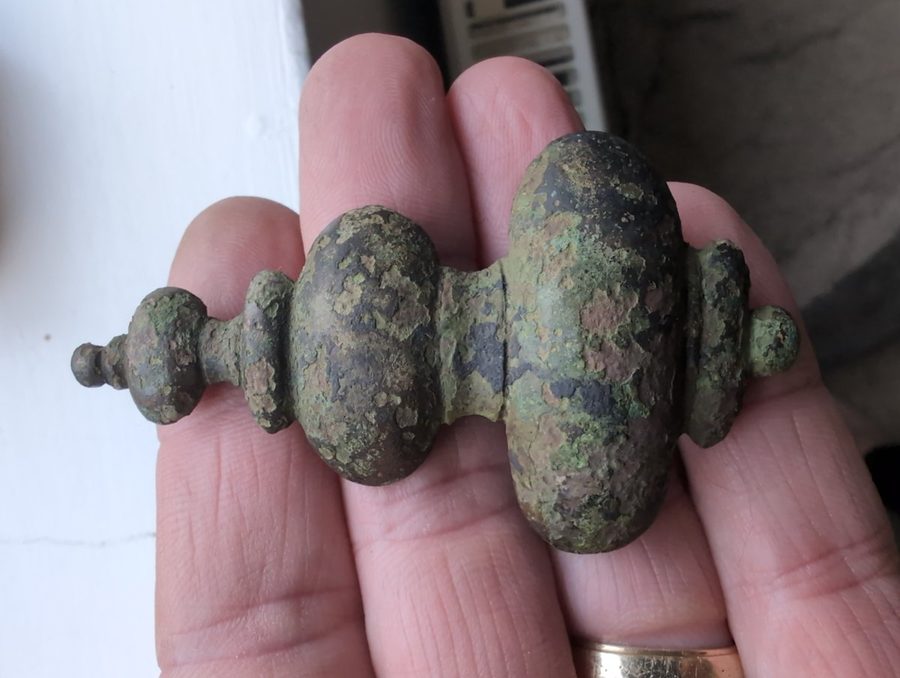
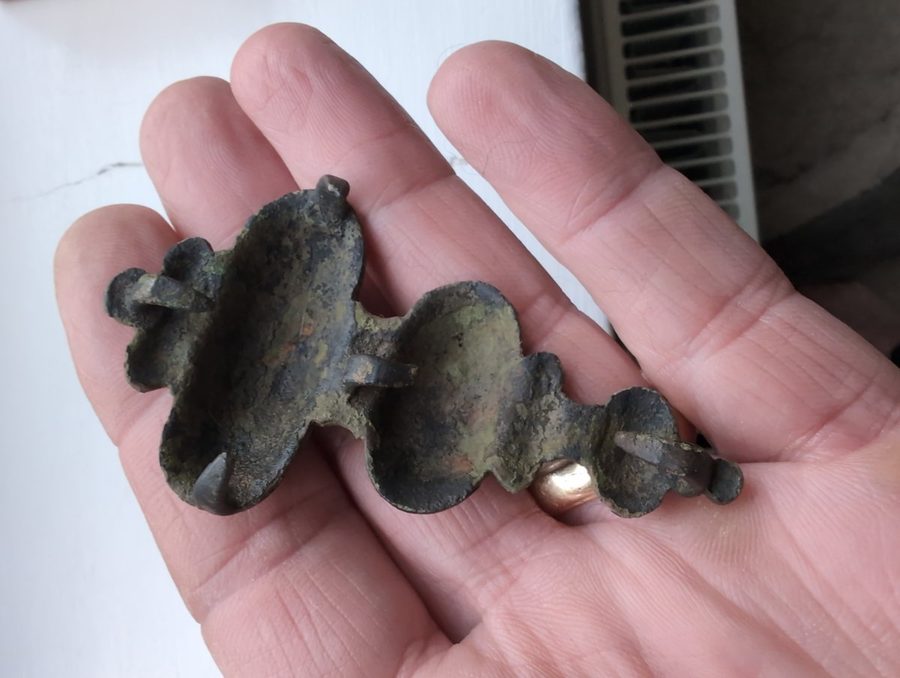
A cast copper-alloy mount with turned, baluster-style mouldings. The back is hollow with fixing spikes, so it was made to be fixed onto something as decoration. Green-brown patina from a few centuries in the plough soil.
Send us your find →We never show where a find was made — just the find, and who found it.
Not a startup. Not a company. A Bedford hobbyist building the tools he actually wants to use — free for everyone, with giving back baked in from the first line of code.
Yes. No ads, no subscriptions, no sign-up, and no money ever comes to us. The only ask is that if it helps you, you consider giving something to charity.
Yes. Once it's on your home screen you can log finds, photos and notes with no signal at all. Maps and the weather forecast need a connection to load fresh.
On your phone, and nowhere else. Your permissions, finds, photos and locations are never sent to us. We can't see them.
Yes. Tap Settings → Back Up My Data to save a backup file. You can restore it on a new phone or open it on your laptop for planning. Back up now and then, because clearing your browser's data for this site would wipe what's stored on the phone.
Not at the moment. It runs in your phone's browser and you add it to your home screen, where it opens like any other app. See How to install.
Yes. Open it in Safari, tap Share, then Add to Home Screen.
Free, always. Works offline. No ads, no subscriptions, no sign-up.
Your finds stay on your phone. Just the tool.
Questions? waller642@gmail.com
The Guild Gallery
This site is built from real days in the field. If you use Fieldcraft — send us your shots.
Field shots. Finds. Wildlife. Landscape. And smiling faces — because everyone out there is doing what they love. The best images join the guild wall, credited by name.
By submitting you confirm you took the photo and grant Wildlife Relic Guild permission to display it on this site, credited to you.
Fieldcraft Heritage keeps your permissions, finds, photos and locations on your phone. They are never sent to us. To show maps and weather, the app asks Mapbox and Open-Meteo for the area you're looking at. If you email us a find or a photo, we only use it for Find of the Month or the gallery, credited to you, and we never show where a find was made.
Heron photograph used with the kind permission of Richard Southan.